Accent colour
For dentists and medical practices
Dentists and clinics: help new patients find you, and keep it simple and careful.
New patients search for a nearby dentist or clinic, read the reviews and look at the website. DIY Ads & SEO HQ helps you check your listing and website, write plain pages about the care you offer, and draft replies to reviews. It does not give medical advice, it does not use patient information, and every public word waits for your approval.
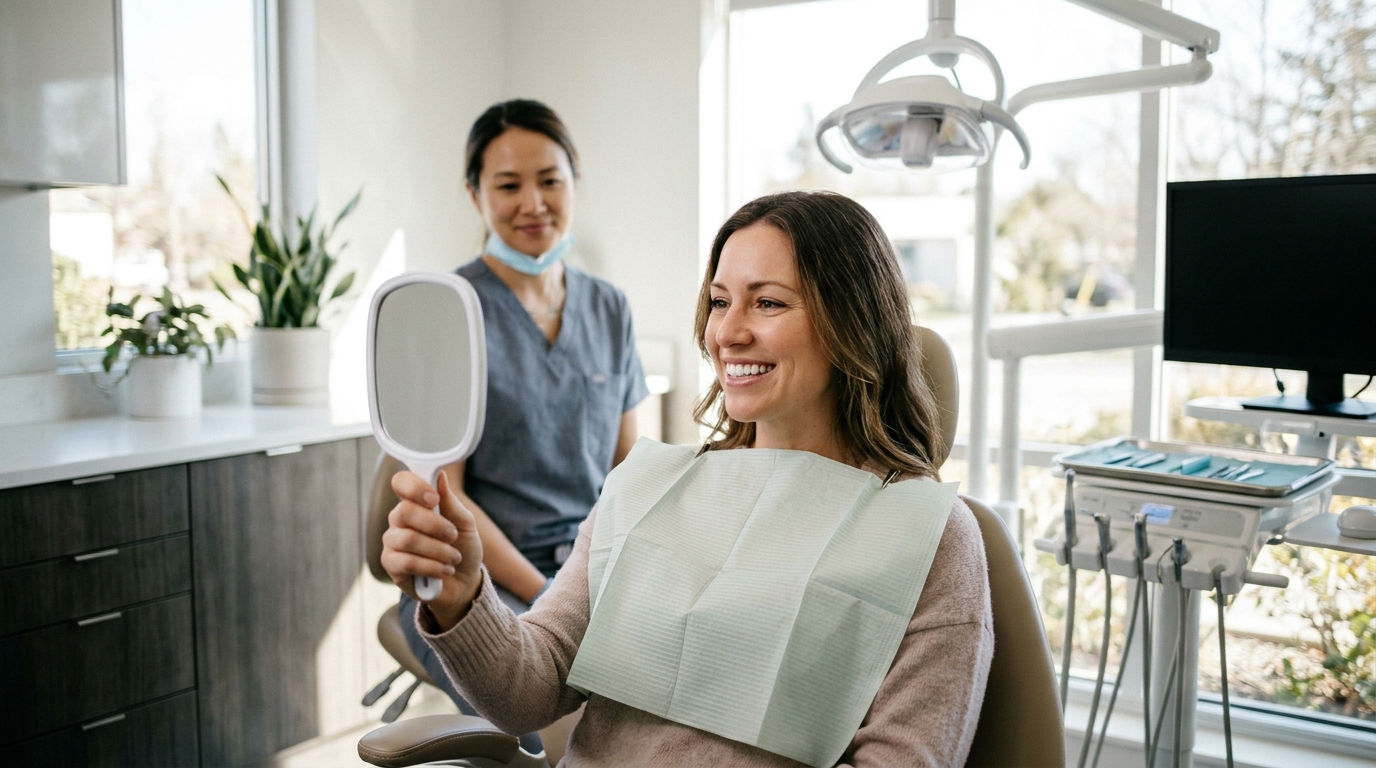
Is this you?
- General and family dentists
- Orthodontists (braces and aligners for kids and adults)
- Cosmetic dentistry: whitening, veneers and smile makeovers
- Specialists in small practices
- Chiropractors, physiotherapists and optometrists
- Small medical and wellness clinics
- Practice managers who run marketing on the side
The problems we hear most
Patients choose from the first few listings
A thin listing with few photos looks less trustworthy next to a complete one.
Reviews need careful replies
Replies must never reveal patient details. That makes people nervous to reply at all.
Rules about advertising vary
Health advertising has rules that differ by place. You need drafts you review, not content that goes out alone.
The website says little
Pages that explain each treatment in plain words are what people and AI assistants look for.
How DIY Ads & SEO HQ helps
Check your website free
Paste your address on the Welcome page and see which search basics are in place and which to fix. No cost.
Google Maps check
Finds your listing, lists what is missing and compares you with nearby competitors.
Review replies that never name a patient
Drafts are written without personal details and wait for your approval. You decide what is posted.
Pages for the phrases people actually search
Targeted pages written from real search phrases, checked by you before they go live.
Site files for search and AI assistants
Writes the small files search engines and AI assistants read, with the exact place to paste each.
Are AI assistants naming you?
Asks the assistants the questions a customer would type and records whether your name comes up.
See all of it in everything this program does, or start on the Welcome page.
What the first weeks can look like
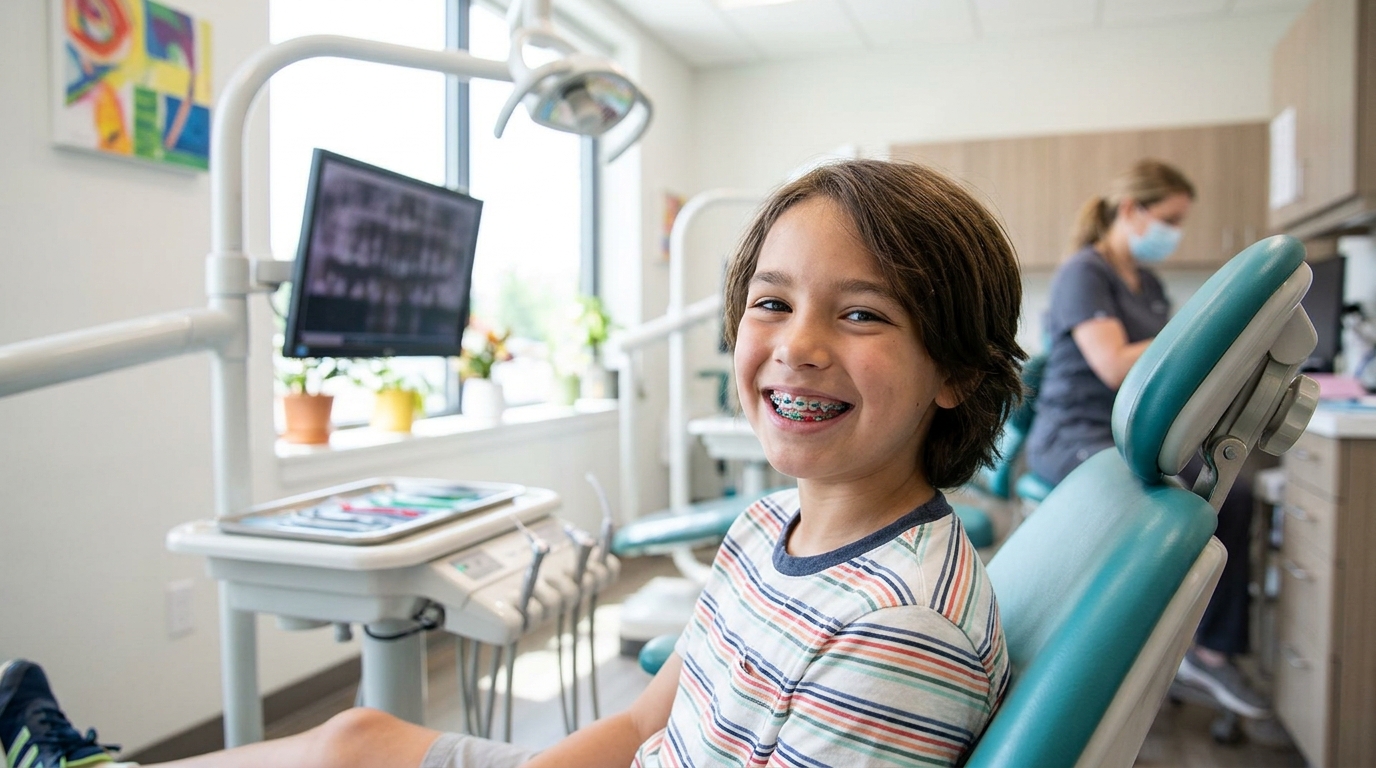
Smile Joy Dentistry (a made-up example). A small practice with two dentists and one front desk. This is an invented example to show the path; it is not a customer.
- Day 1Free site check. No structured data, no description. These are the first fixes.
- Week 1Maps check. Opening hours, categories, photos of the clinic and a plain description are checked.
- Week 1Plain treatment pages. Pages such as what to expect at a first visit are drafted. The dentist reads and corrects every word.
- Week 2Review replies. Short, kind replies without details are drafted for approval.
- MonthlyAre assistants naming us?. The check asks assistants the questions a nearby patient would type.
What it costs
- You bring your own keys for the AI and data services and pay those companies directly. Most have free starting amounts.
- Every paid step shows its price first and waits for your yes.
- The program never spends advertising money for you. Paid ads are a later, small, optional step.
- Setup fee and monthly price are on the Pricing page.
Questions
Does it give medical advice?
No. It drafts plain descriptions of services for you to check. You stay responsible for what you publish.
Does it use patient information?
No. Do not paste patient details into it. Reply drafts are written without them.
What about advertising rules?
They differ by place and profession. Check yours. Nothing is published without your approval.
Will this fill my schedule?
No one can promise that. It helps with the basics people use to choose a clinic.
Start with the free check
It takes a minute and costs nothing. Or read everything this program does and see the Welcome page.