Accent colour
For software founders and indie makers
Software founders: build the audience while you build the product.
You can build the product. Getting people to find it is a different job. DIY Ads & SEO HQ helps you write down what your software is for, get listed where people look for tools, publish helpful pages and answers that point to you, and see whether AI assistants recommend your product when people ask for tools like yours.

Is this you?
- Solo founders and small teams
- Makers who ship fast and market late
- Founders with a working product and few users
- Teams without a marketer
- Founders who want a repeatable weekly routine
The problems we hear most
Nobody knows it exists
A good product with no listings, pages or links is invisible.
Marketing steals build time
You need a routine that fits between shipping.
Competitors are listed everywhere
Directories, lists and comparison pages decide who people see.
AI assistants decide recommendations
More people ask an assistant which tool to use. You want to be in the answer.
How DIY Ads & SEO HQ helps

Check your website free
Paste your address on the Welcome page and see which search basics are in place and which to fix. No cost.
Directories and listings
A one-time kit and a ranked list of places to register, with submit links.
Articles on your own site first
Write articles that answer real questions, then copies elsewhere that link back to you.
Site files for search and AI assistants
Writes the small files search engines and AI assistants read, with the exact place to paste each.
Are AI assistants naming you?
Asks the assistants the questions a customer would type and records whether your name comes up.
Competitor and phrase research
Finds the phrases and topics competitors win that you do not.
See all of it in everything this program does, or start on the Welcome page.
What the first weeks can look like
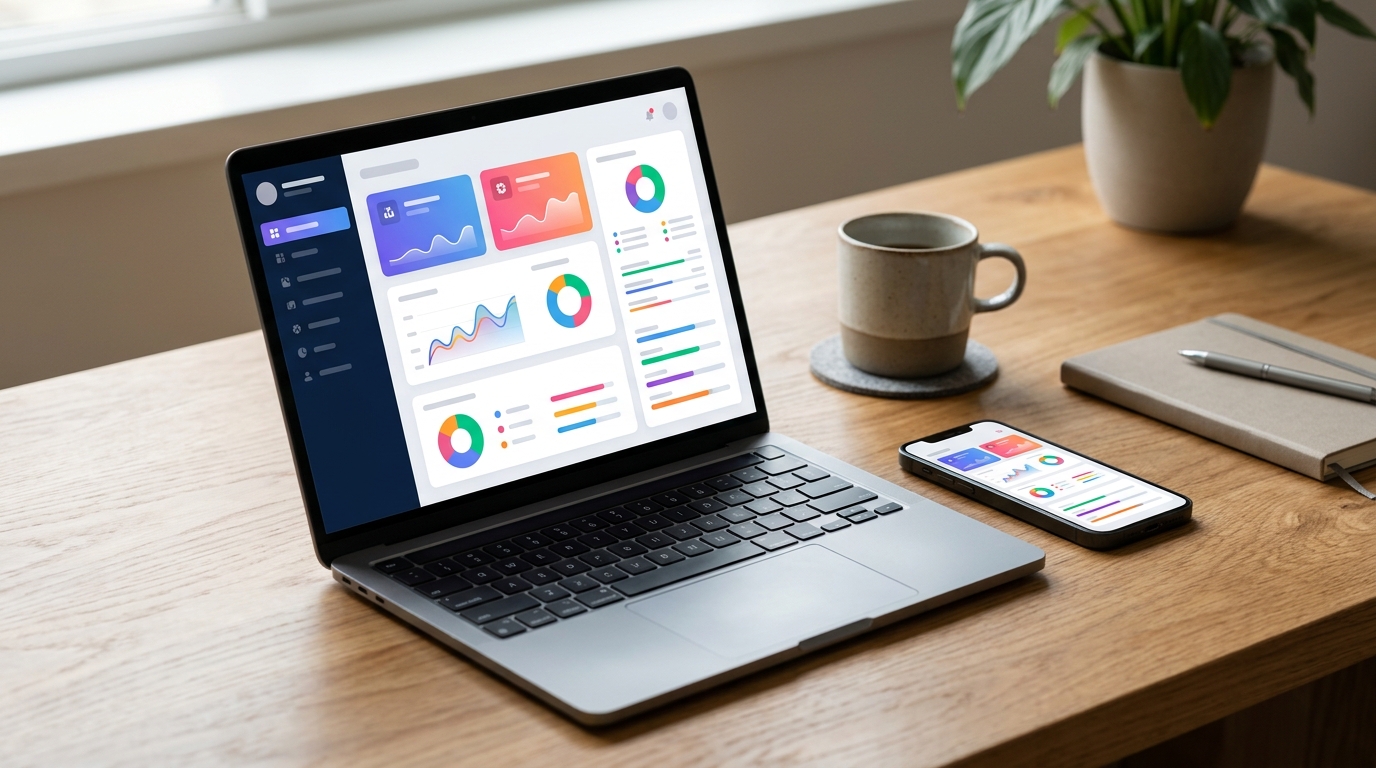
TaskLoom (a made-up example). A solo-built scheduling tool for small teams. This is an invented example to show the path; it is not a customer.
- Day 1Add the product. The program reads the site and writes a short plain profile.
- Week 1Site files. robots.txt, llms.txt and schema are drafted and pasted onto the site.
- Week 2Directory kit. A one-time kit and a ranked list of places to register.
- Week 3First articles. Two articles answer the questions buyers ask, on the product's own site first.
- MonthlyAI check. The check asks assistants which tool they recommend and records the answer.
What it costs
- You bring your own keys for the AI and data services and pay those companies directly. Most have free starting amounts.
- Every paid step shows its price first and waits for your yes.
- The program never spends advertising money for you. Paid ads are a later, small, optional step.
- Setup fee and monthly price are on the Pricing page.
Questions

I am a developer, not a marketer. Is this for me?
Yes. Each step is a short list with the exact text to paste.
Does it guarantee users?
No one can promise that. It helps you become findable and shows what is working.
Can I use it with my AI assistant?
Yes. You can connect Claude, ChatGPT and others so they work through the Get started list with you.
What about paid ads?
Later and small. The program never spends money for you.
Start with the free check
It takes a minute and costs nothing. Or read everything this program does and see the Welcome page.