Accent colour
For trades and home services
Plumbers, electricians, roofers and landscapers: be the one people find when something breaks.
When a pipe bursts or the air conditioning dies, people search on their phone and call the first few businesses they see. You are busy on jobs, not at a desk. This page shows how to use DIY Ads & SEO HQ to show up in those searches and on the map, keep your listing and replies looked after, and spend only a few minutes a week on it.
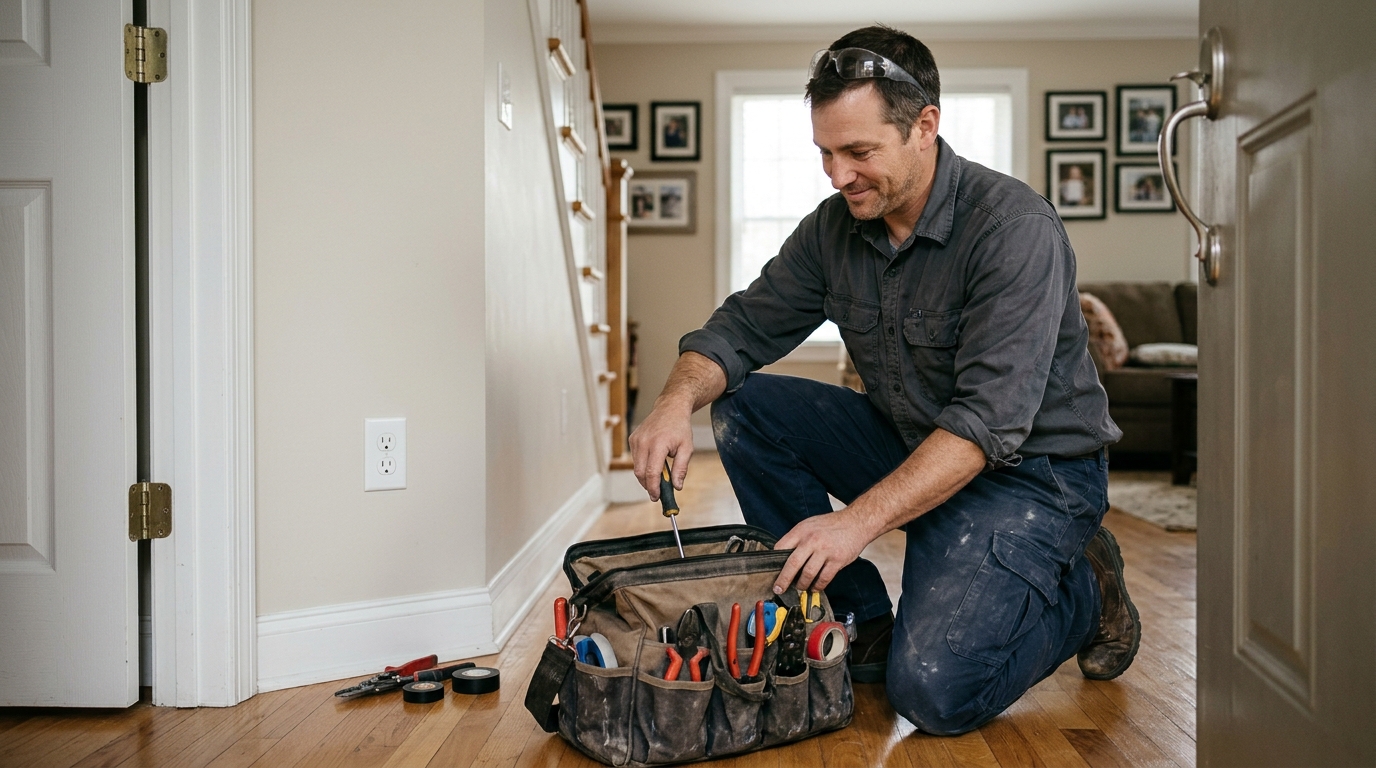
Is this you?
- Plumbers, electricians and heating and cooling companies
- Roofers, painters and general contractors
- Landscapers, cleaners and pest control
- Mobile and travelling businesses that go to the customer
- Owner-operators and small crews
The problems we hear most
Emergency searches go to someone else
People search "plumber near me" and call from the first listings. If yours is thin, the call goes elsewhere.
You have no time to post
You are on a roof or under a sink. A routine that takes minutes is the only kind you will keep.
Reviews pile up unanswered
Replying to every review is good practice and easy to forget.
You serve an area, not an address
Travelling businesses need a different listing setup from shops. Doing it wrong can hide you.
How DIY Ads & SEO HQ helps
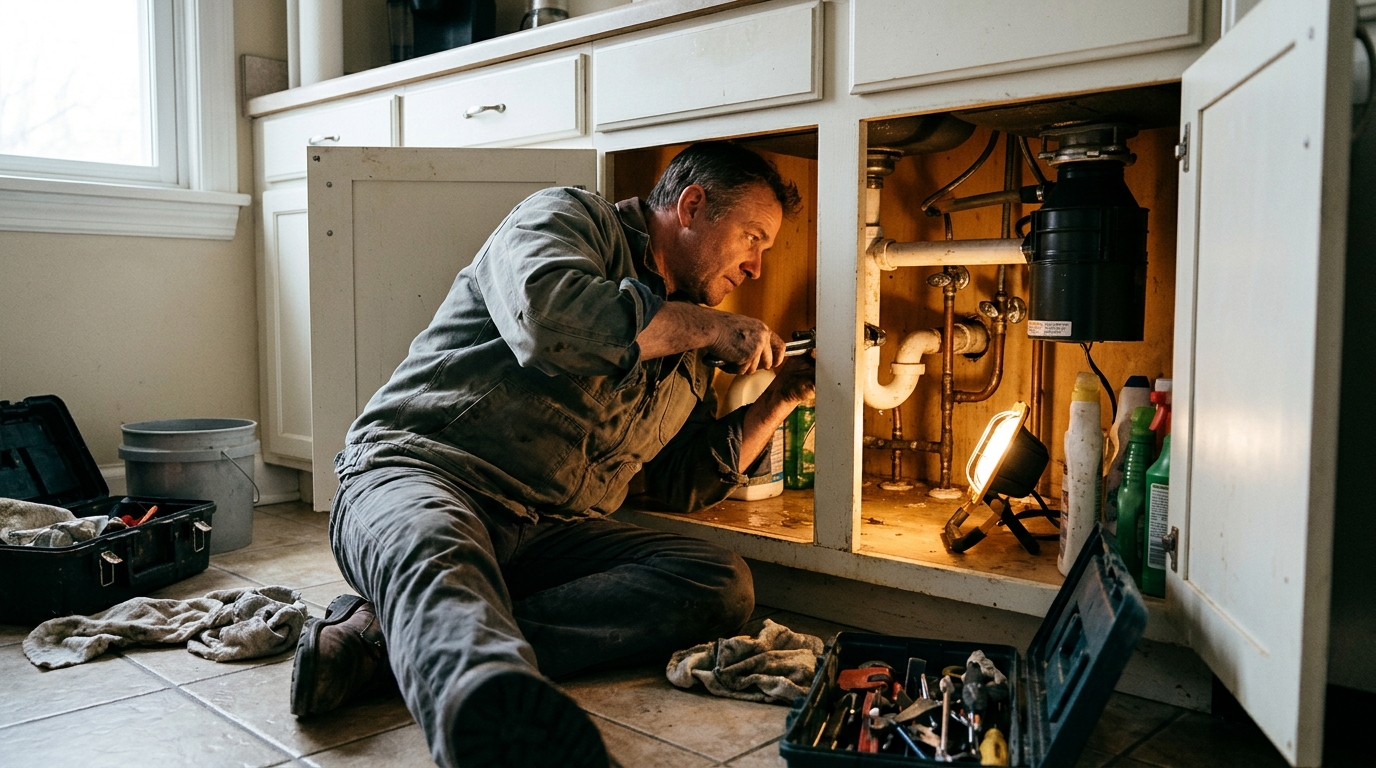
Check your website free
Paste your address on the Welcome page and see which search basics are in place and which to fix. No cost.
Google Maps check
Finds your listing, lists what is missing and compares you with nearby competitors.
Service-area setup for travelling businesses
The Maps check asks how customers reach you (they visit, you travel to them, or online only) and gives the right fix list for each.
Reply drafts for reviews and messages
Drafts replies to comments, messages and reviews for you to approve.
Posts, slideshows and short videos from your own material
Draft posts and short videos in your voice. Nothing goes out without your OK.
Pages for the phrases people actually search
Targeted pages written from real search phrases, checked by you before they go live.
See all of it in everything this program does, or start on the Welcome page.
What the first weeks can look like
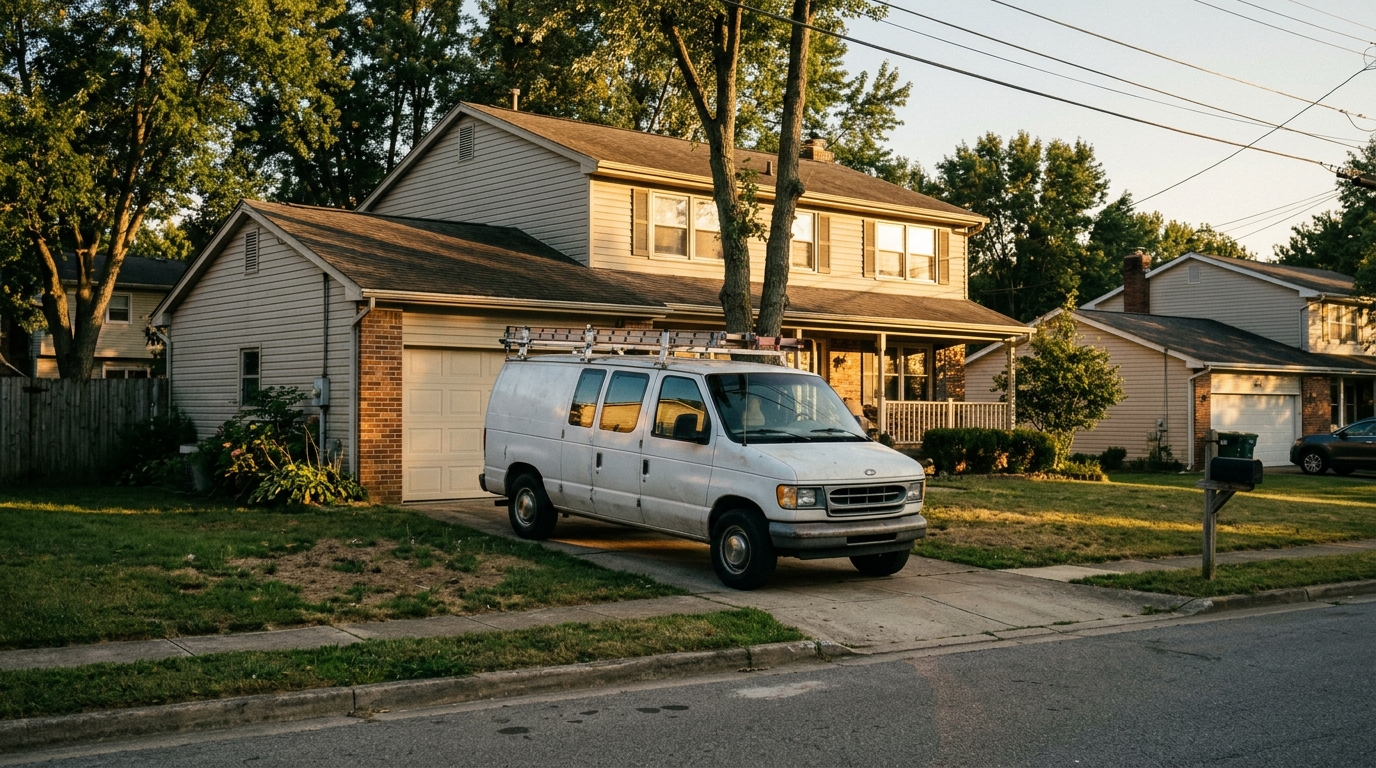
Northfield Plumbing & Heating (a made-up example). A three-van plumbing company serving a few neighbouring towns. This is an invented example to show the path; it is not a customer.
- Day 1Free site check. The check shows the website has no description and no phone-friendly setting. That becomes the first fix list.
- Week 1Maps check, travelling business. The program notes that customers do not visit, so the fix list covers service areas and hours instead of a shop front.
- Week 1Phrases for each service. A list such as water heater repair and drain cleaning, one page drafted per job type for the owner to check.
- Week 2Photos from jobs. The owner uploads before and after photos. Posts are drafted. Customer details are left out.
- Every weekReply to reviews. Drafted replies wait for approval. A few minutes at the end of the day.
What it costs
- You bring your own keys for the AI and data services and pay those companies directly. Most have free starting amounts.
- Every paid step shows its price first and waits for your yes.
- The program never spends advertising money for you. Paid ads are a later, small, optional step.
- Setup fee and monthly price are on the Pricing page.
Questions

I work out of my truck. Can I still use this?
Yes. The Maps check has a setup for businesses that travel to the customer.
Will it answer calls?
No. It helps people find you and drafts posts and replies. You still answer the phone.
Do I need a website?
A simple one-page site helps. If you only have a Maps listing, the program works from that.
Will I get more jobs?
No one can promise that. It shows where you stand and what to fix.
Start with the free check
It takes a minute and costs nothing. Or read everything this program does and see the Welcome page.